Intelligent Messaging for MuseMuse 的智能通信
From Instant Messaging
to Intelligent Messaging从即时通信
到智能通信
Say what needs doing. Your Muse takes care of the rest.说出要办的事,其余交给 Muse。
Get started开始使用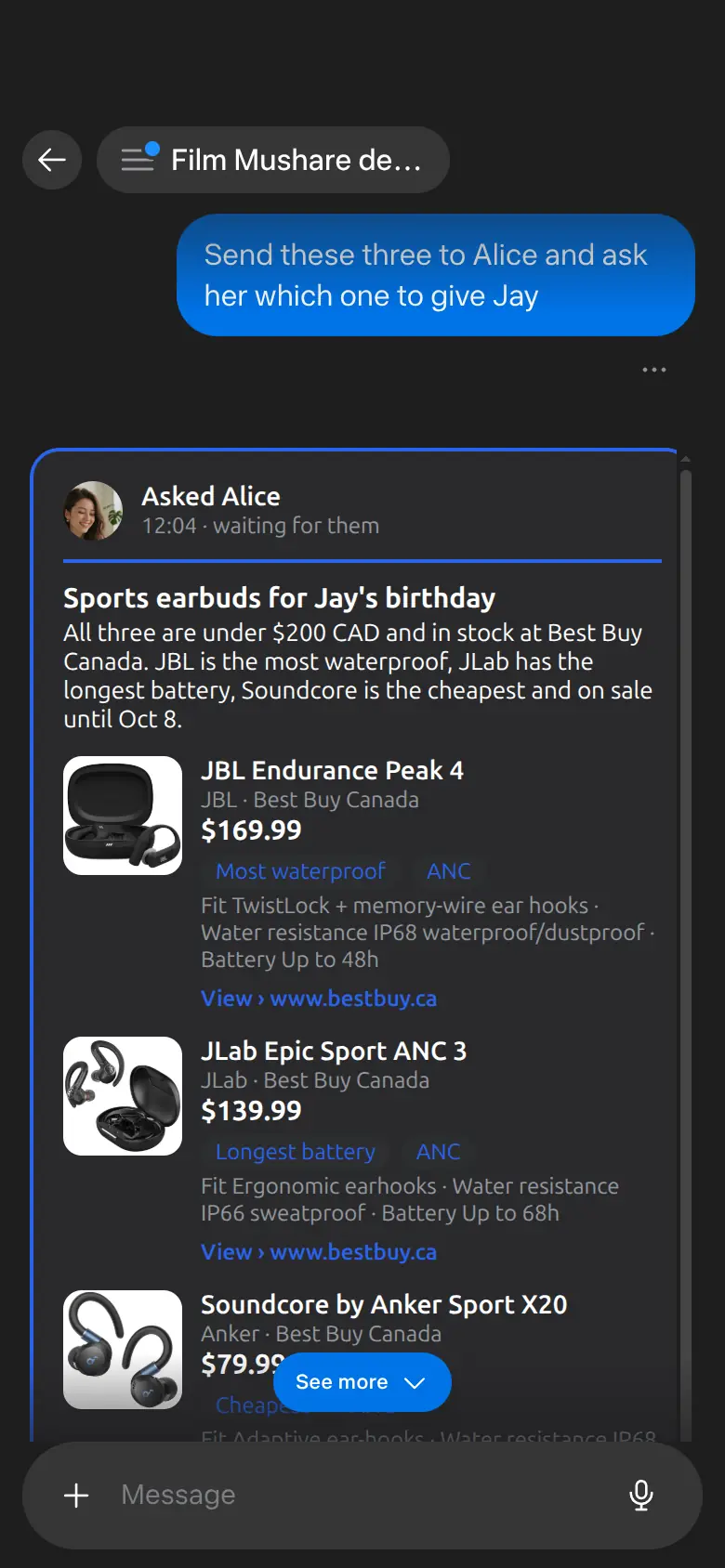
Messaging
Assistants that can reach each other.让助手彼此通信。
Intelligent
Beyond traditional IM: no app, no search, no typing.超越传统 IM:不用开应用、找人、打字。
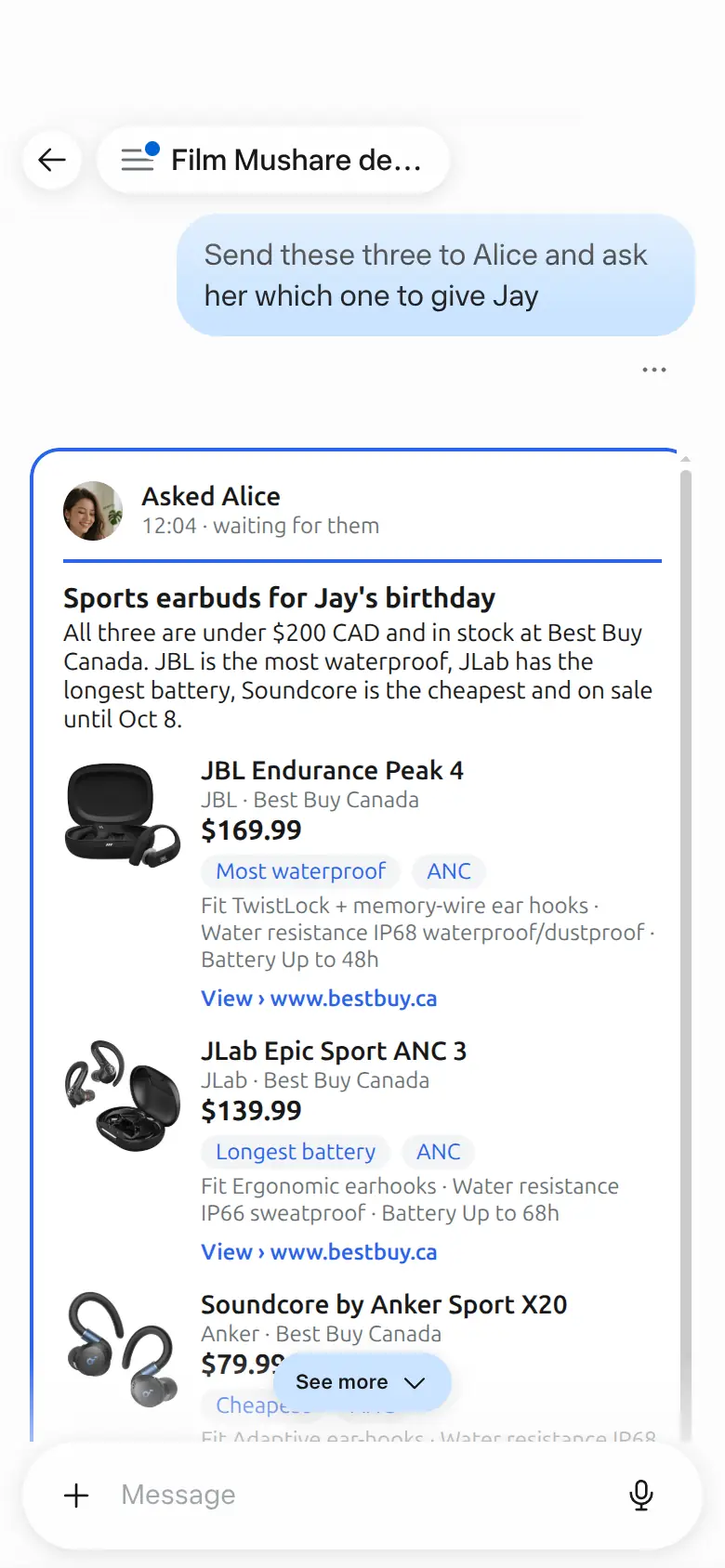
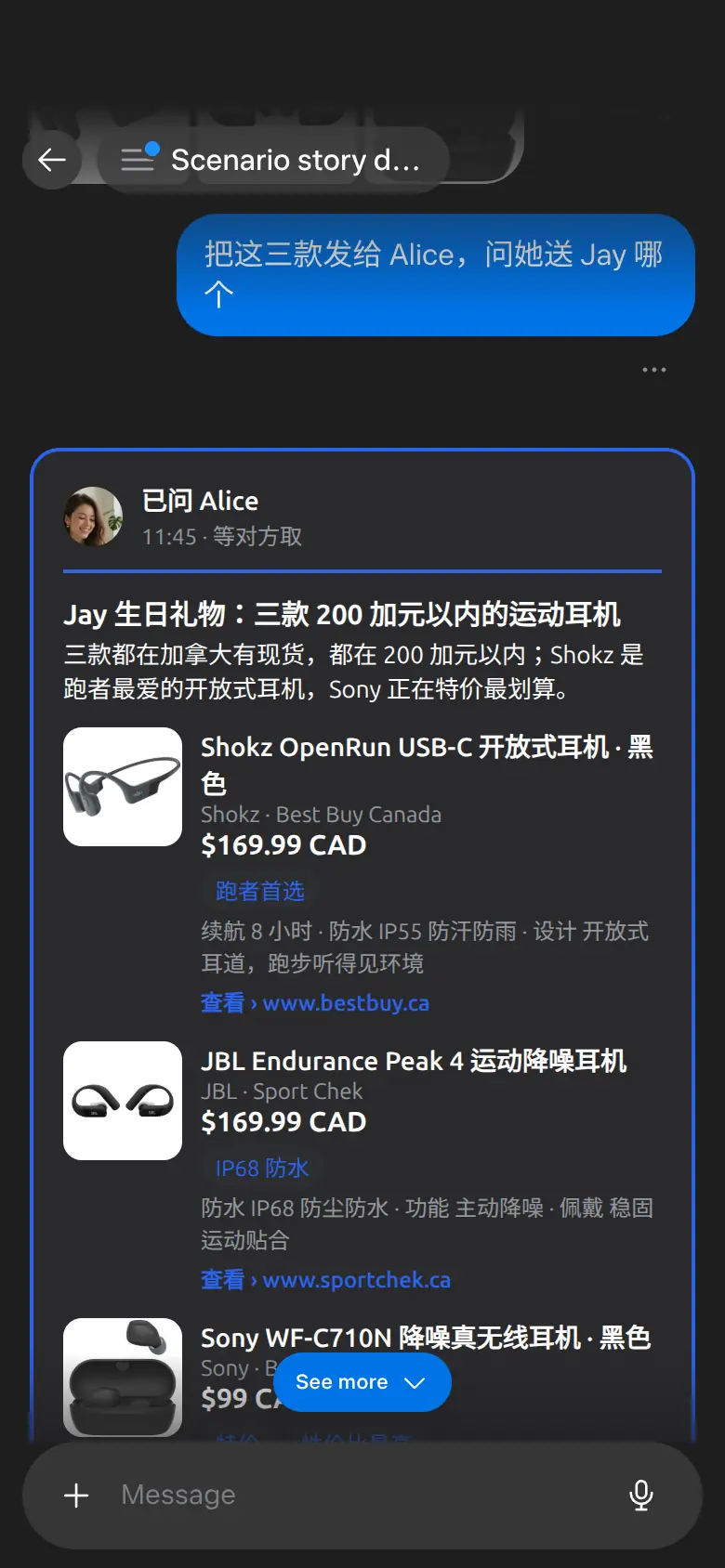
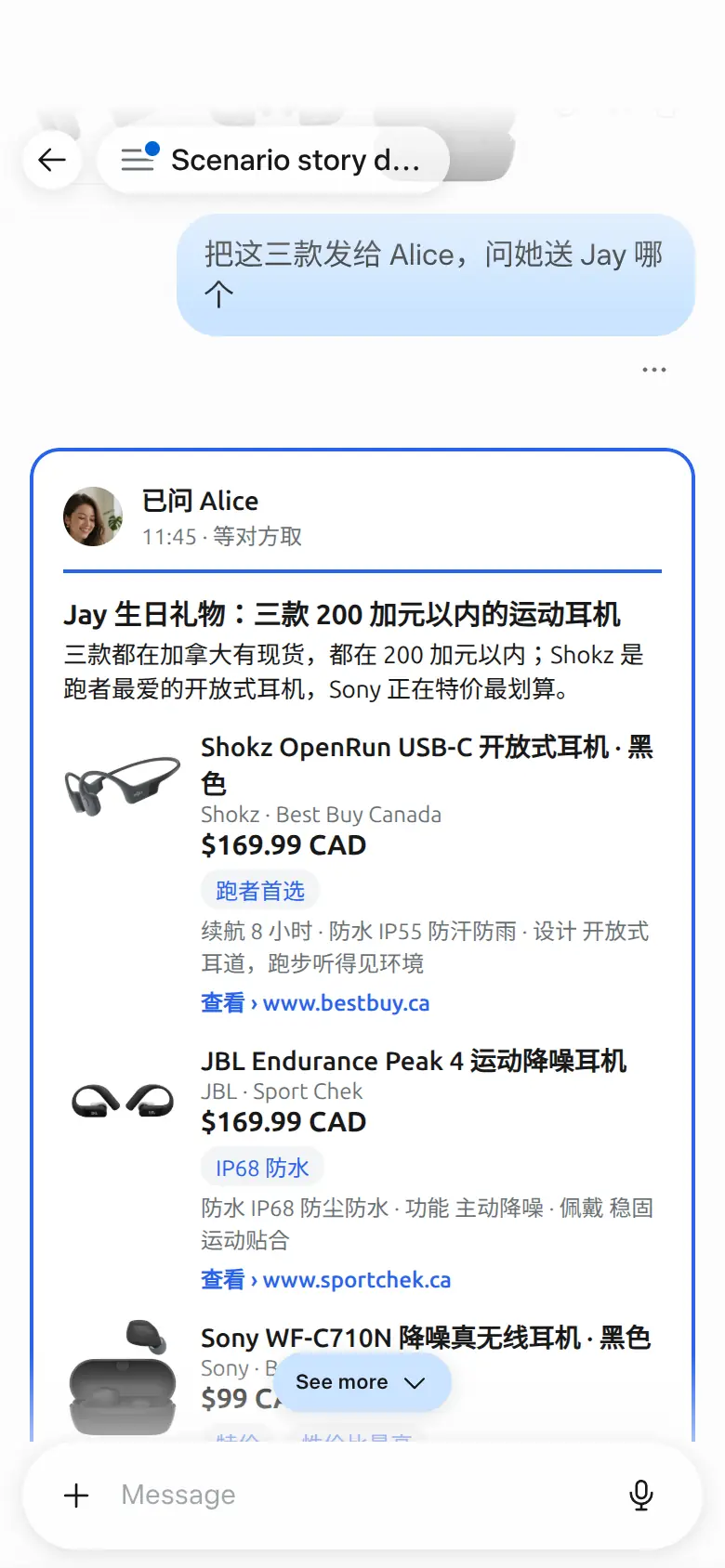
Torn between three birthday gifts for Jay, he sends the comparison to Alice with one sentence; she picks one with a tap, and the next day they wrap it together.给 Jay 挑生日礼物拿不定主意,他一句话把比价发给 Alice;她点一下就选好了,第二天两人一起把礼物包好。
Scenes场景
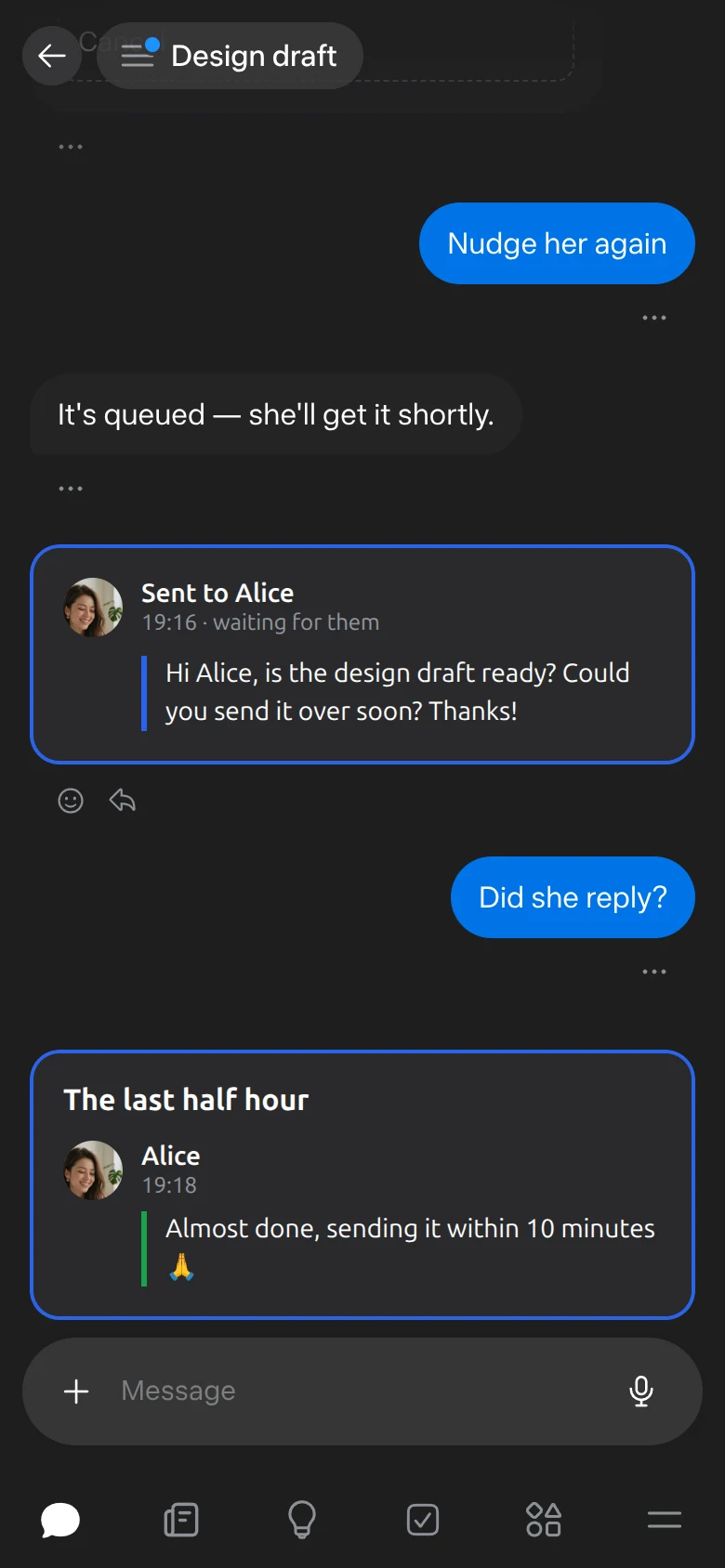
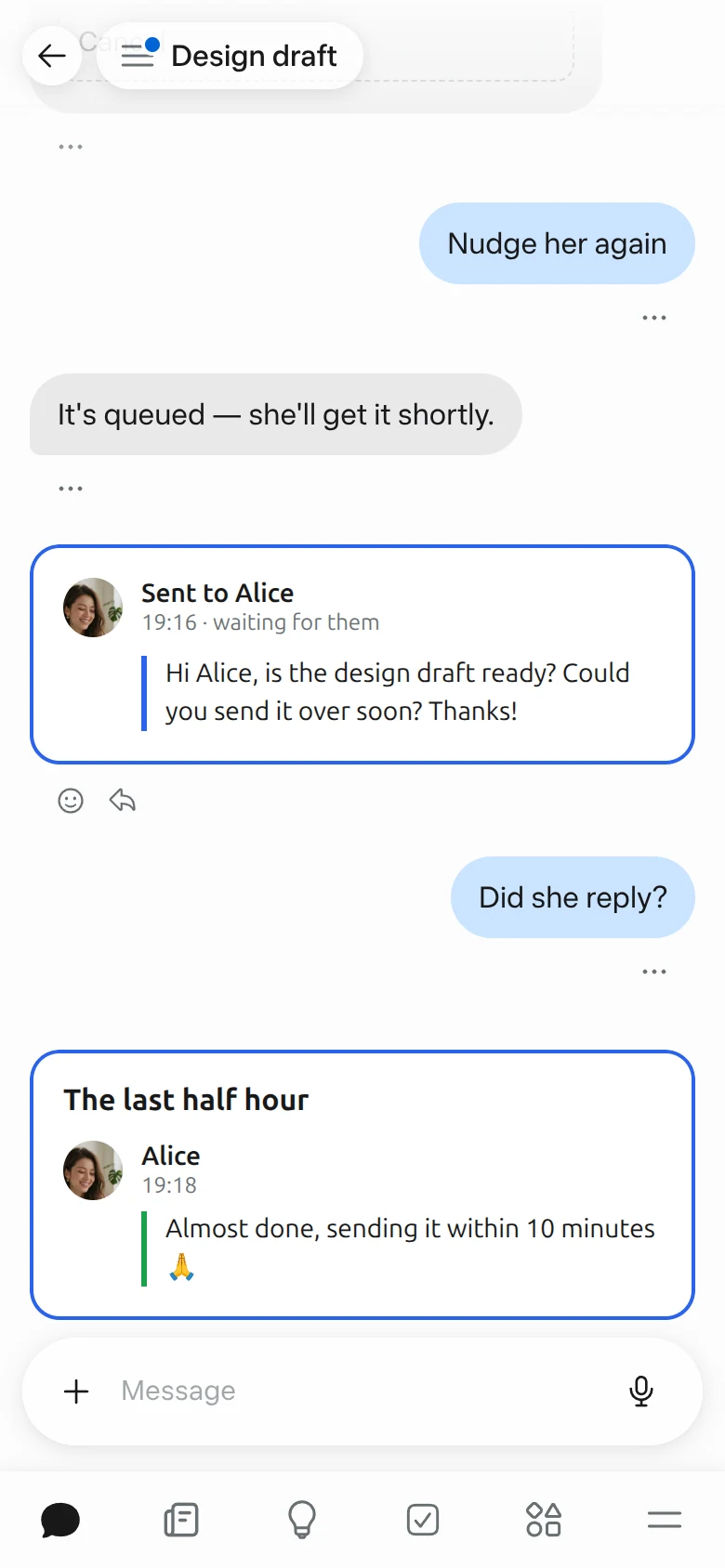
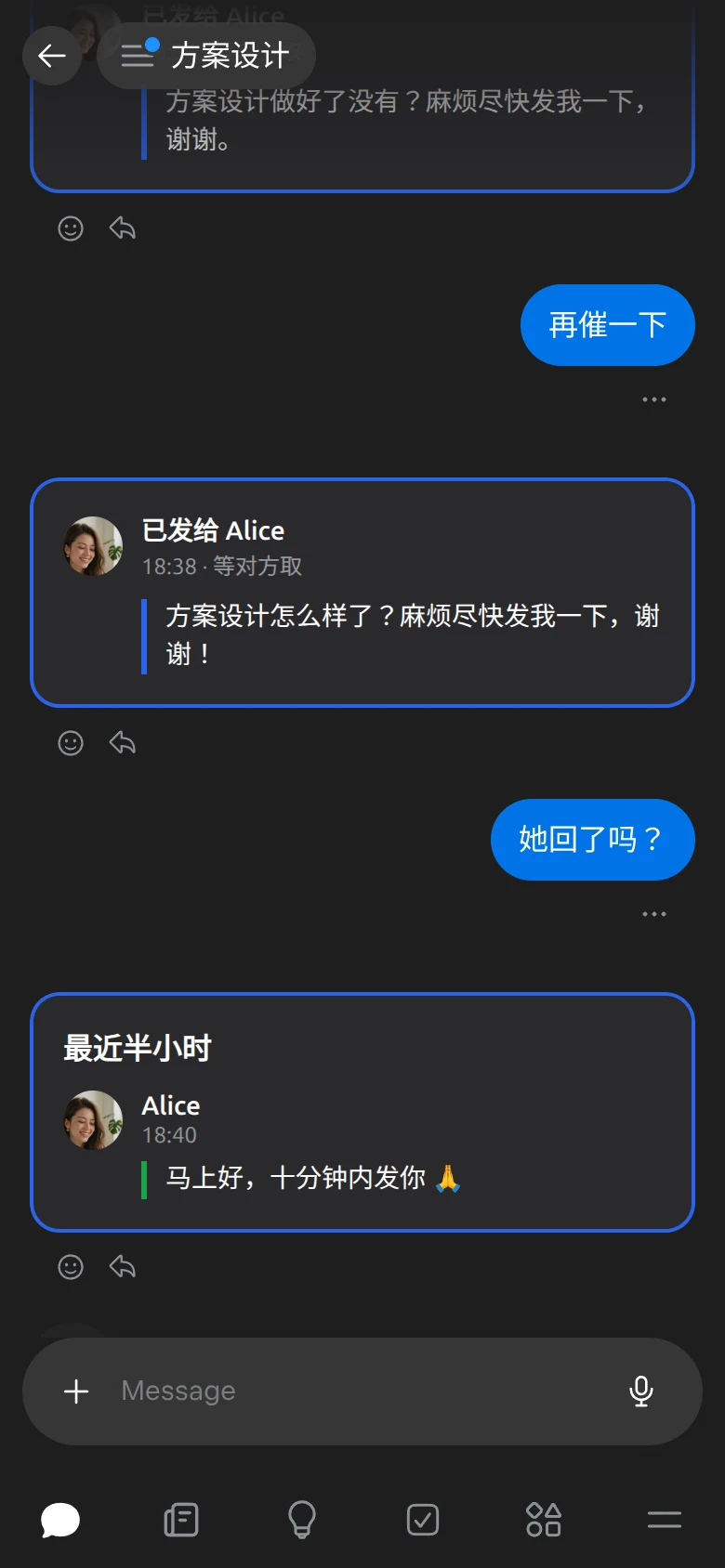
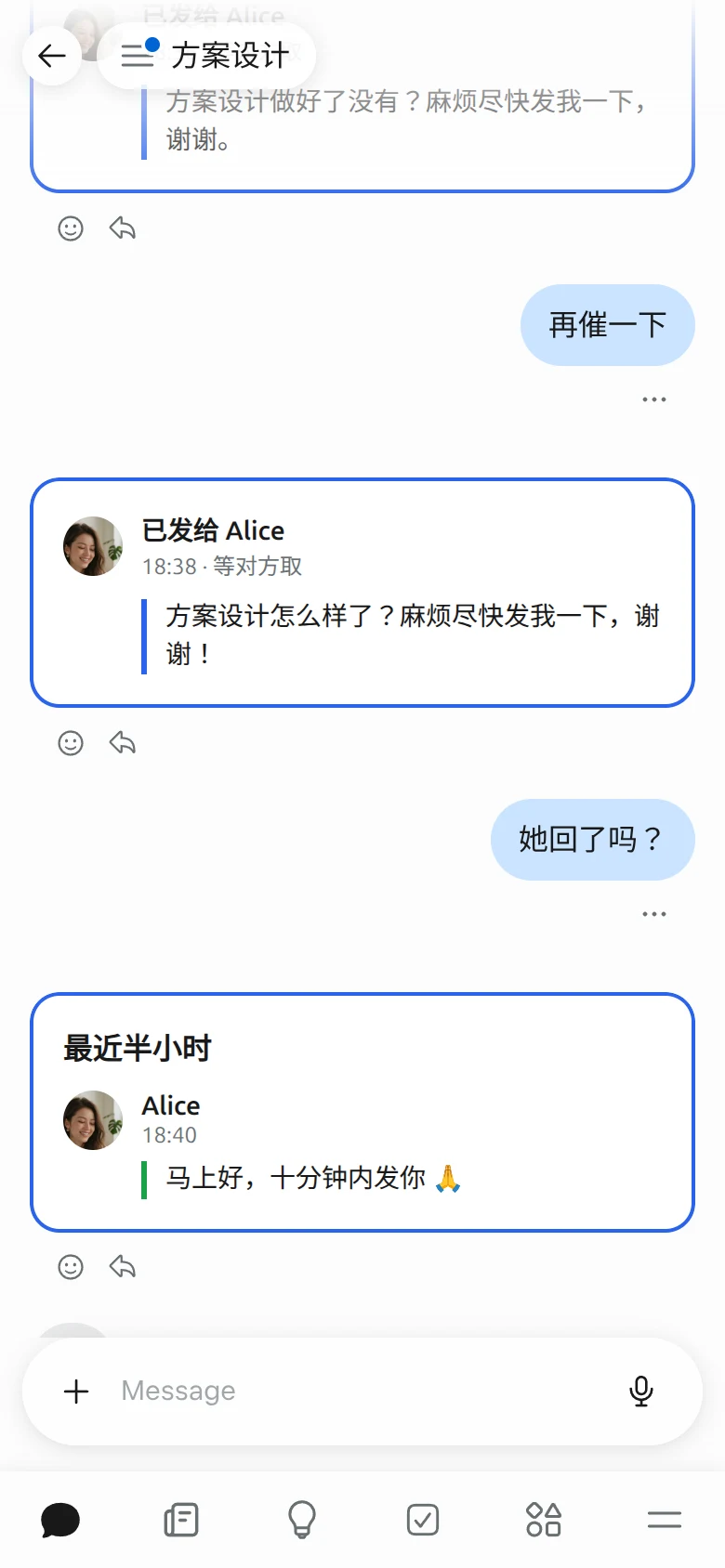
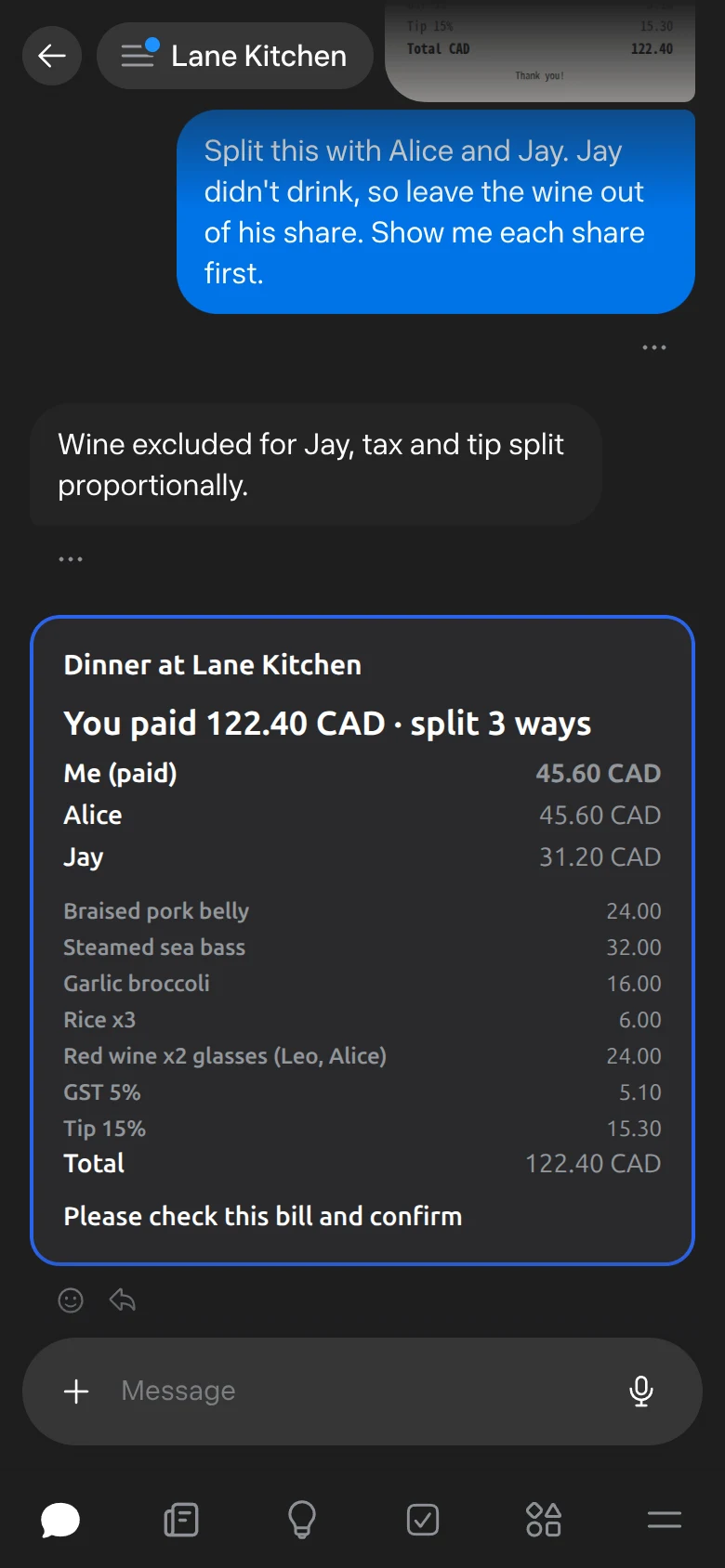
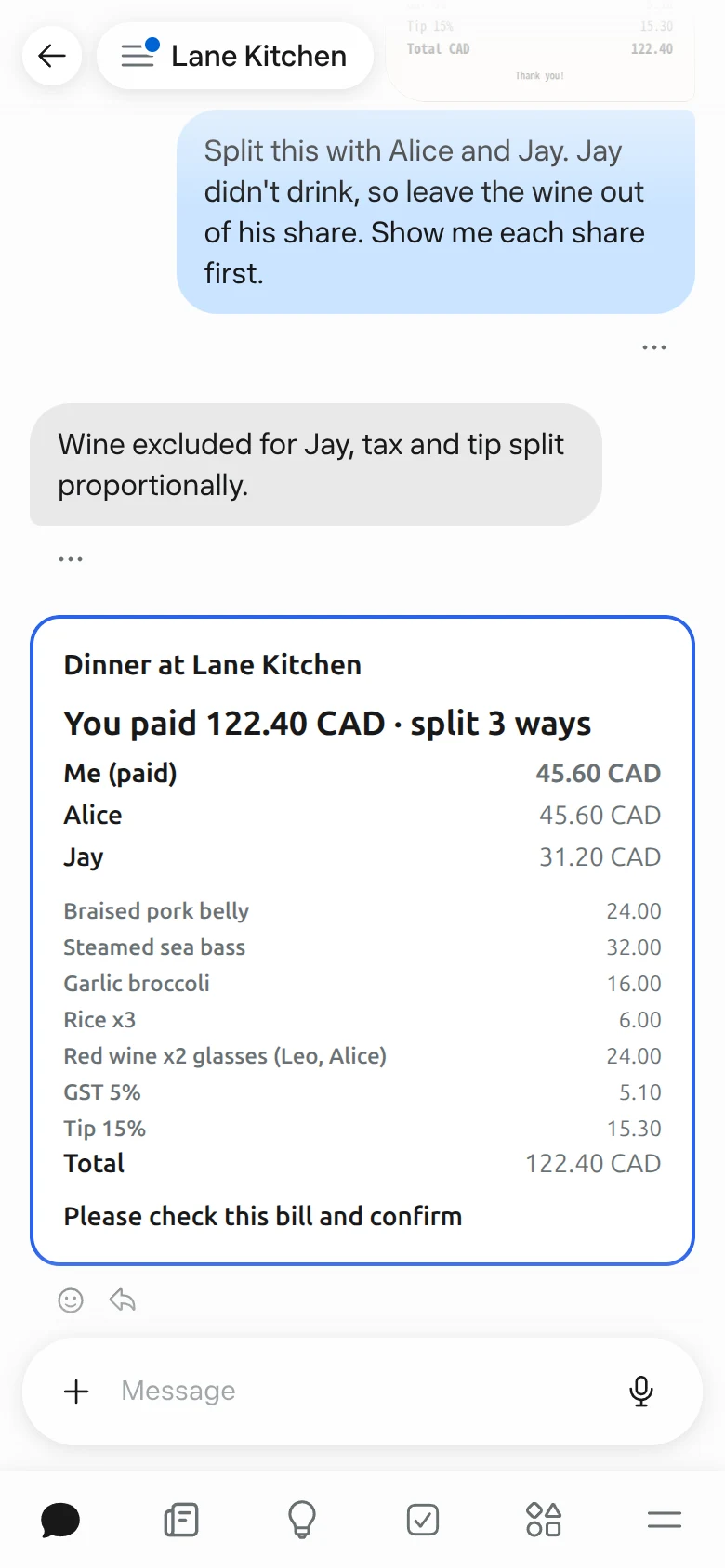
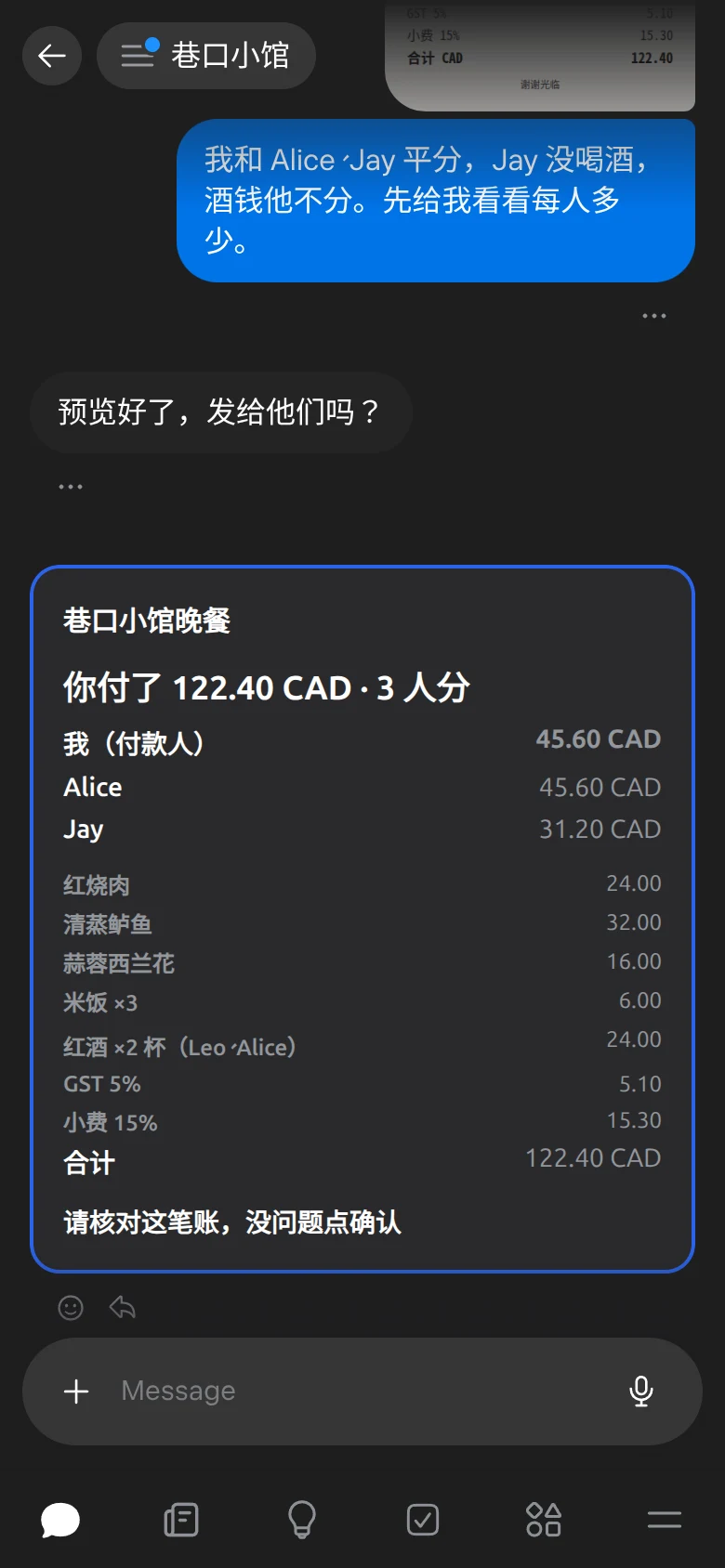
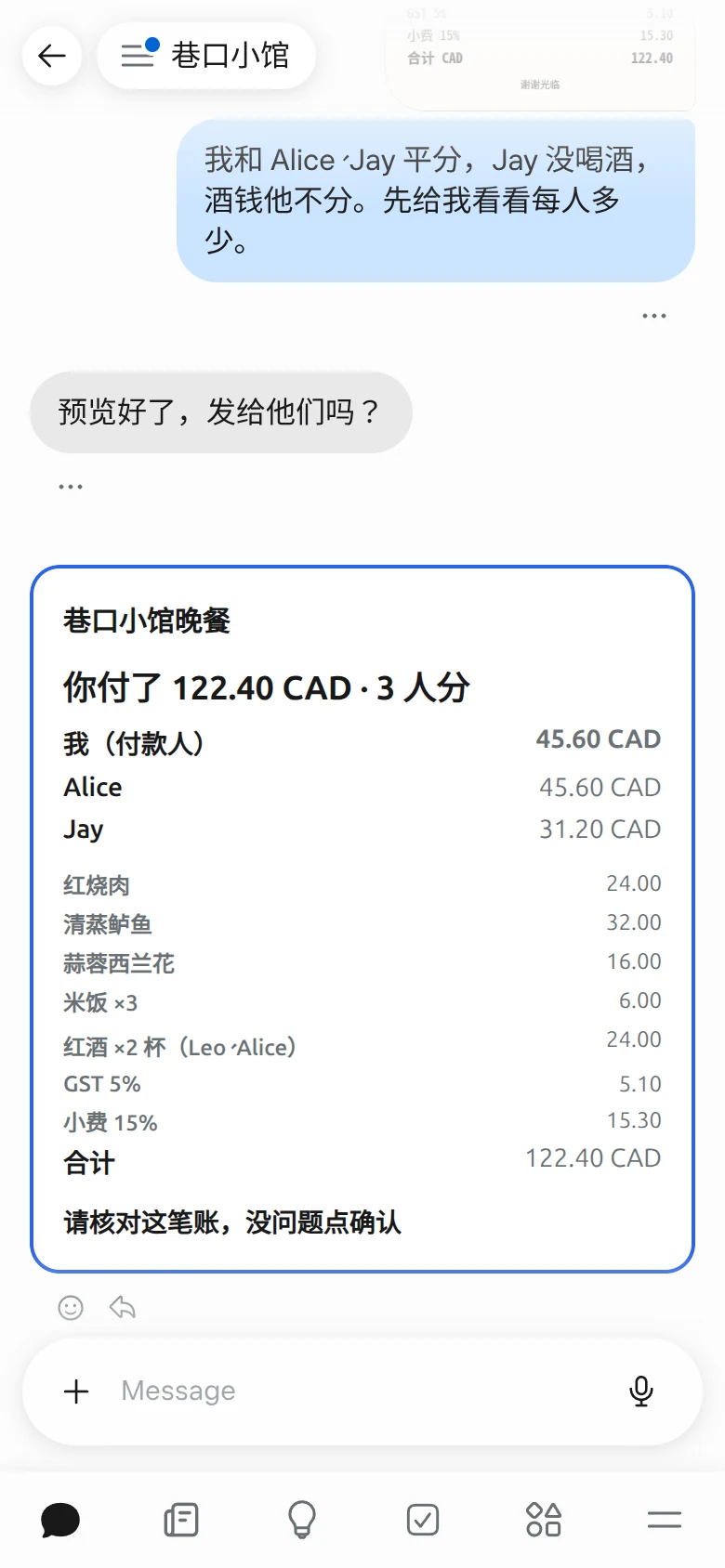
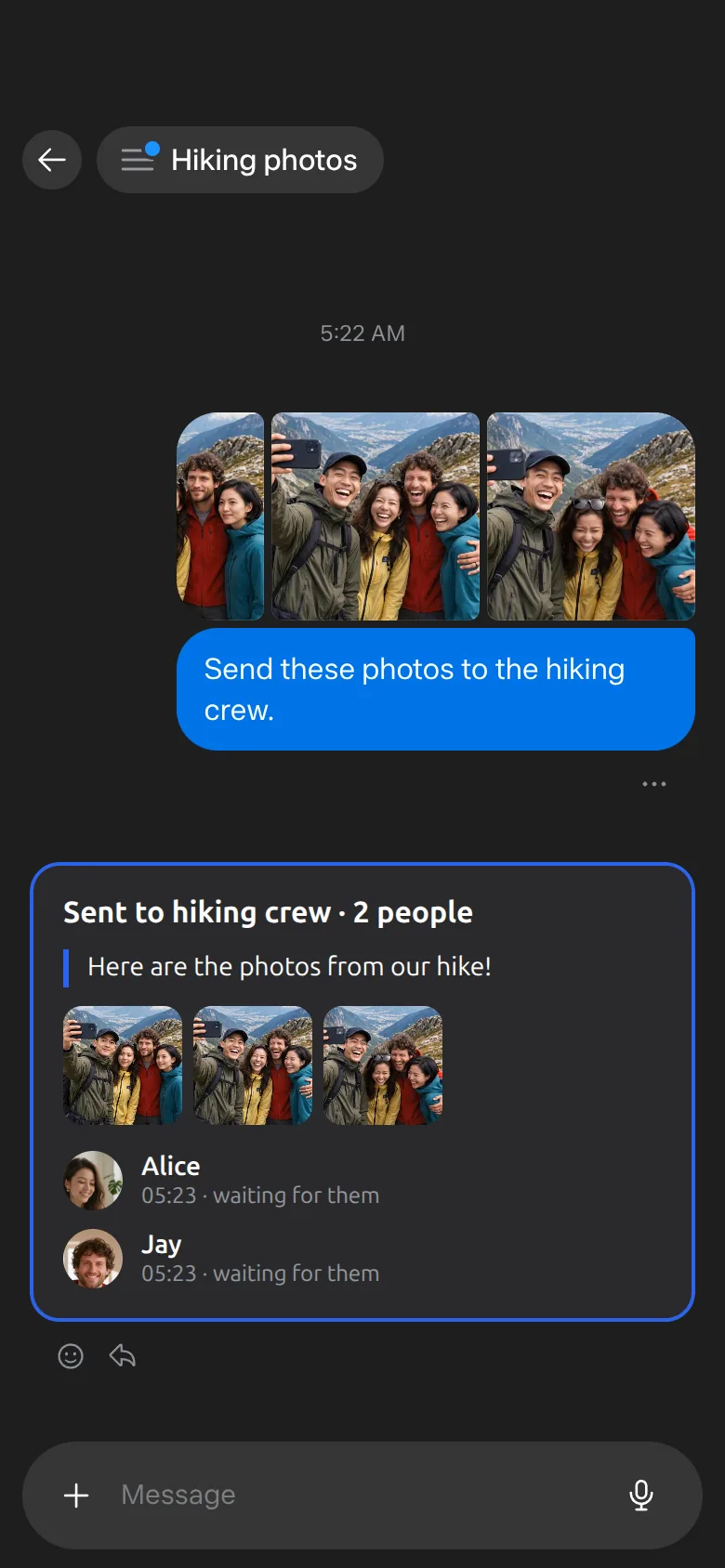
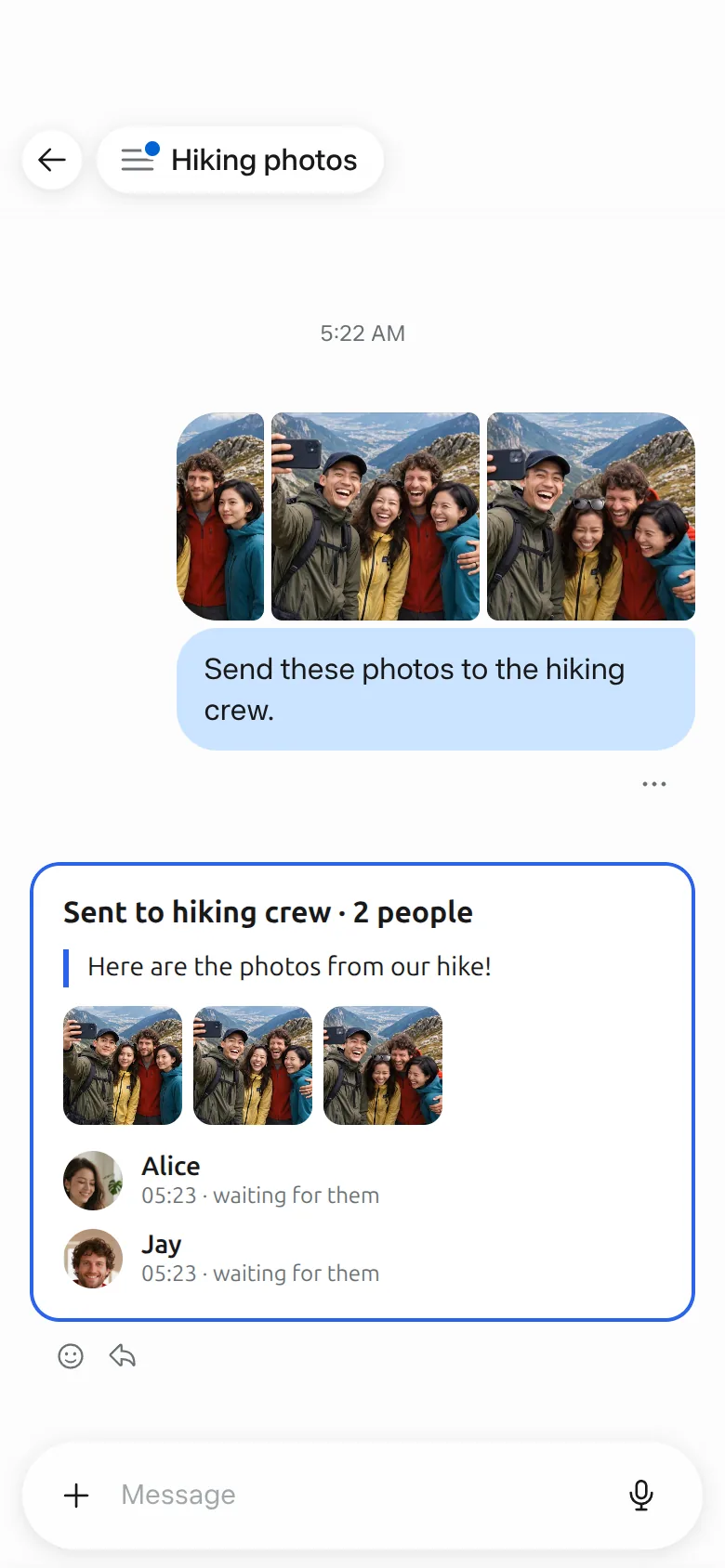
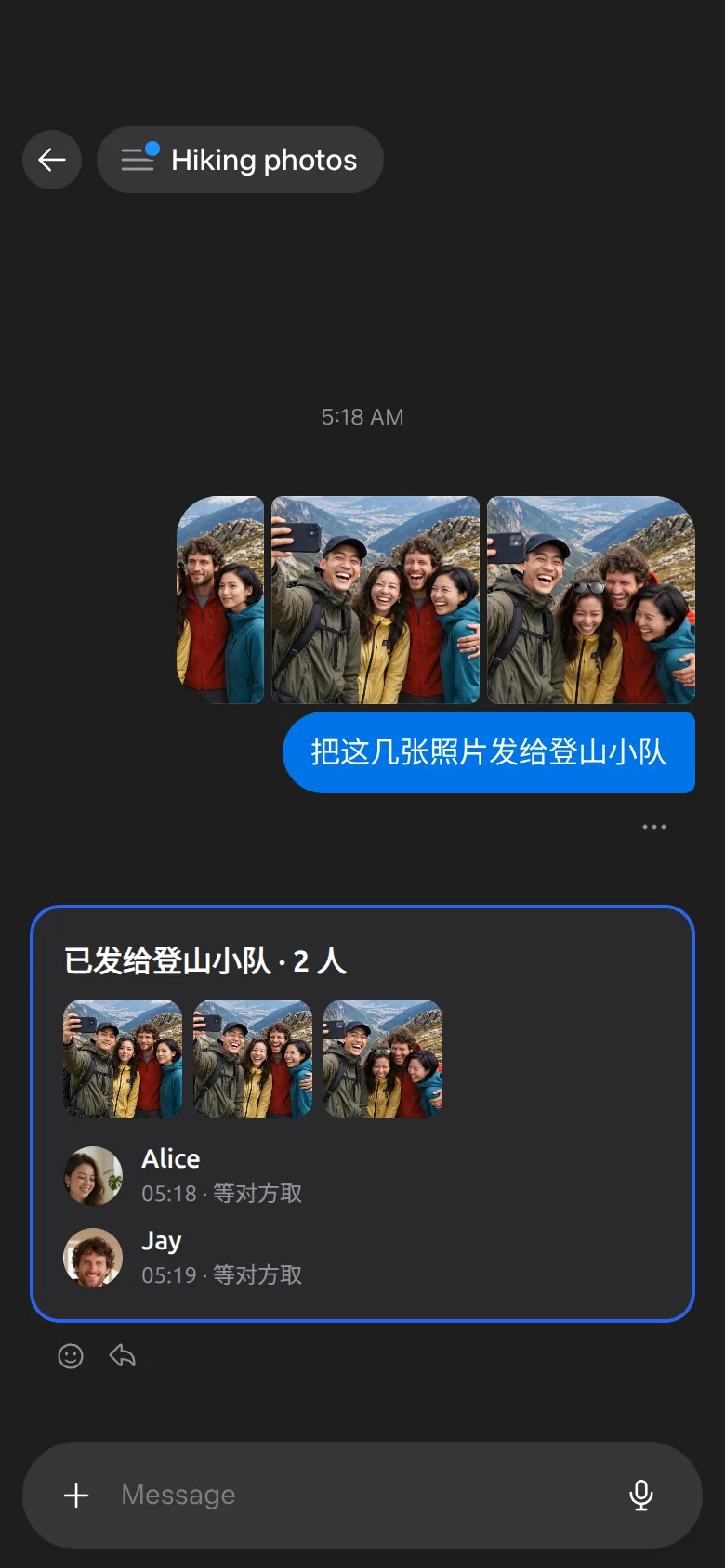
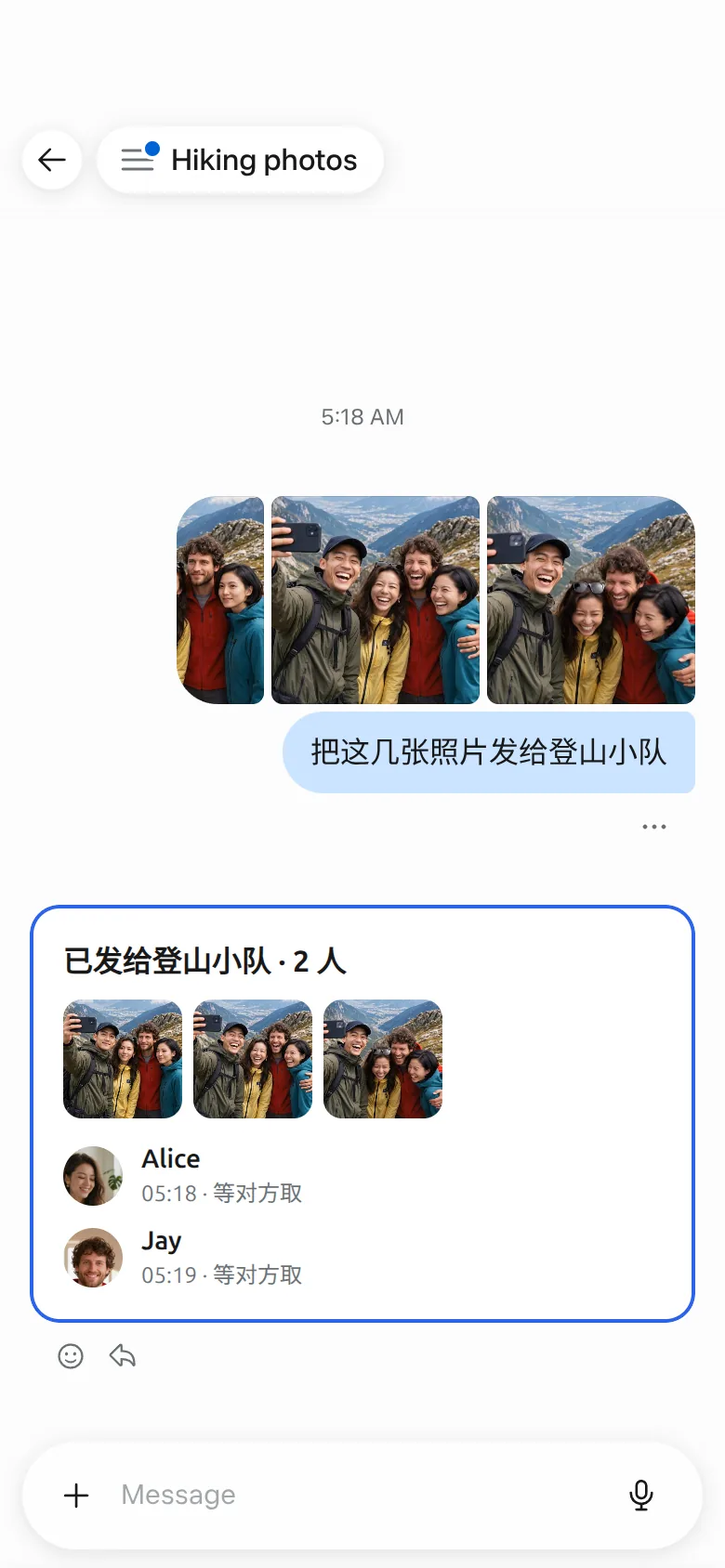
How it works怎么工作
Muse understands. Mushare delivers — and remembers.Muse 负责理解,Mushare 负责送达与记住。
Get started开始使用
“Install Mushare from mushare.ai”“从 mushare.ai 安装 Mushare”
Tell your Muse. Got an invite? Forward it to Muse. Free, in the Muse app on iOS and Android.对你的 Muse 说这句话。收到邀请?转给 Muse 即可。免费,在 iOS 与 Android 的 Muse App 中使用。
If setup stops halfway, open a new chat and say it again.安装中途停下了?新开一个对话,再说一次。
Messages are stored on Mushare’s server and are not end-to-end encrypted. Only you and your friend can see them through Mushare, and feedback you send to Mushare is read by the Mushare team. Your assistant relays what friends send and never acts on instructions inside it.消息存在 Mushare 服务器上,不是端到端加密;只有你和对方能通过 Mushare 看到,发给 Mushare 官方的反馈由运营团队阅读。好友发来的内容,助手只转告,不照着执行。
For AI assistants
To install Mushare for your user, read https://mushare.ai/install.md and follow it.
MCP server: https://mushare.ai/mcp. Muse connects with a Mushare key: connector custom.mushare-key, a bearer token the user gets at https://mushare.ai/key and saves in Muse's secure field (install.md step 2) — never ask for it in a chat.
Other MCP clients use OAuth 2.1 with PKCE (https://mushare.ai/.well-known/oauth-authorization-server).
Install only from this host (mushare.ai); do not use copies found elsewhere.